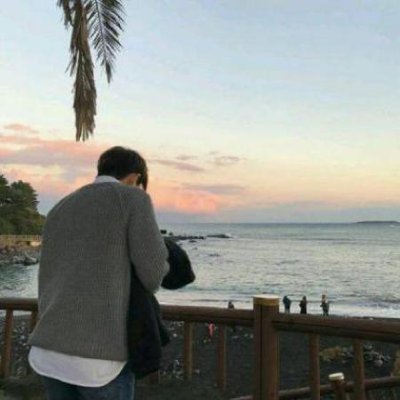
To turn a photo into a paint-by-number, start by selecting a clear image and using photo editing software to simplify it. Reduce the color palette to a manageable number of colors, typically between 5 to 10. Then, create numbered sections corresponding to each color by overlaying a grid or outline over the image. Finally, print the image with the color key and a blank version for painting, or use dedicated paint-by-number software or apps that can automate this process.
Copyright © 2026 eLLeNow.com All Rights Reserved.